A first video capture try... a star's approach
Last changed on
A little bit of self-promotion never hurt anybody, heh? Plus, I need to start doing this…
More seriously though, I have started to notice people using the 3D explorer browsing around and leaving after… well… not long enough. So I started to wonder if they had gotten close enough to stars! Hopefully this will draw them in. 8-}
In this very first video try, captured live and very professionally using Windows+Shift+S, then converted for free online… we can see, in order of appearance:
Initial approach to a star
The initial approach is to a F8 main sequence star in the Govon galaxy, at approximately coordinates [-9, -7, 0]
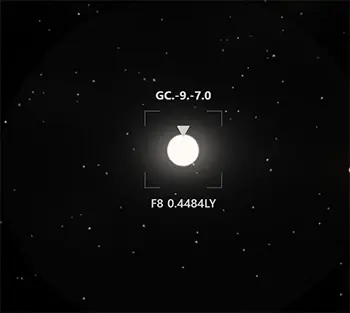
The frame around the star is eye candy. The entity is hard to miss anyway. It is also there for visual consistency with what appears as you draw closer.
The inverted triangle is, however, a useful indication that some children entities are present in the system. To avoid visual cluttering, the triangles indicate the presence of planets and/or asteroid belts. Note the plural, because at the stage of the image above, we are still so far away from the star that the triangles are all stacked on top of one another.
More details emerge
As one draws closer, several things become evident:
- Individual orbit lines;
- A vague sentiment that some wider areas are present around the star (greyish);
- the triangles are now clearly distinct from one another.
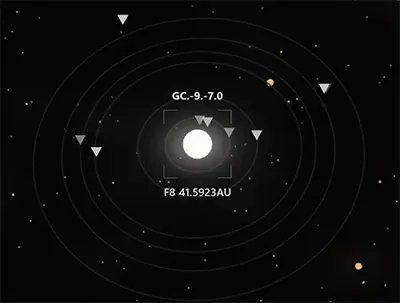
To try and amplify the sense of depth, I have chose to vary the opacity of the triangles depending on their proximity to the observer. I am not sure this works for everyone, but I think it gives a nice touch - plus it is cheap as rendered 100% via css opacity, with a light transition effect.
Picking a planet
After choosing a planet to inspect, even more details emerge and, after a few seconds, something similar to the following can be seen:
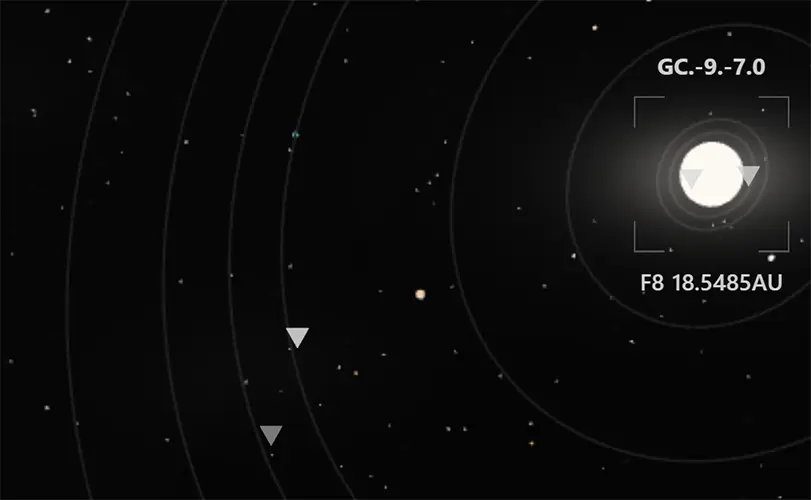
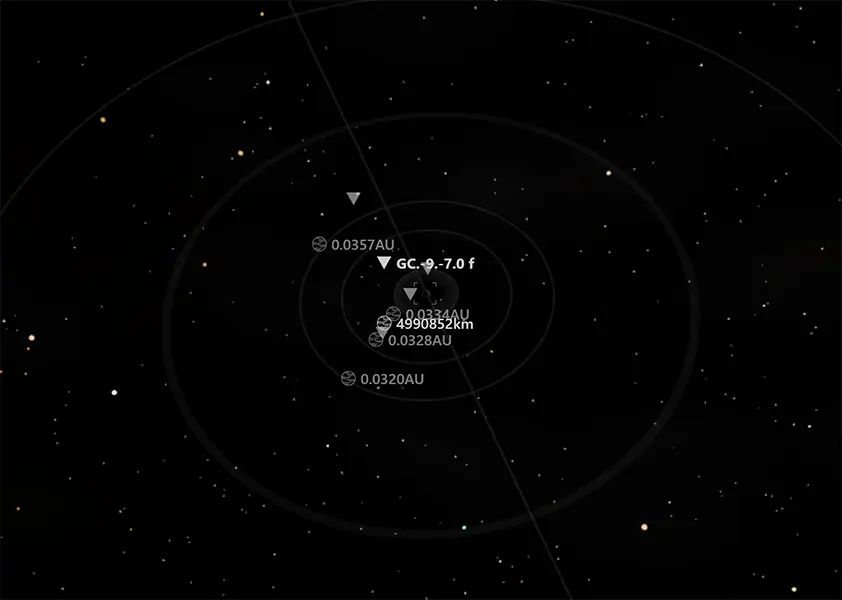
The same logic applies: initially the moon are so far away that they appear to be stacked on top of one another. As the distance decreases, however, their individual orbits become visible.
Approaching the planet
Once close enough to a planet, its moon and belts become apparent.
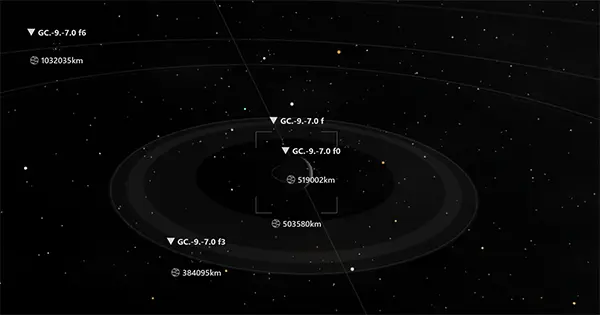
Something else happens, though: by now we have far less entities to display on the screen, so we can afford to add a bit of information about them. Depending on how close you are, the "level of information" varies:
| Distance | Information |
|---|---|
| Far | Only a triangle . Its main goal is to highlight the position of a planet or moon. Without it, good luck finding the smallest ones, especially on large orbits! |
| Medium | Triangle and distance indicator, plus a visual icon indicating the type of planet or moon: for telluric entities, and for the larger giants. |
| Close | All the above, plus four light corners (see visual consistency on stars above) |
This logic also applies to planets.
Please signin to add your comment.